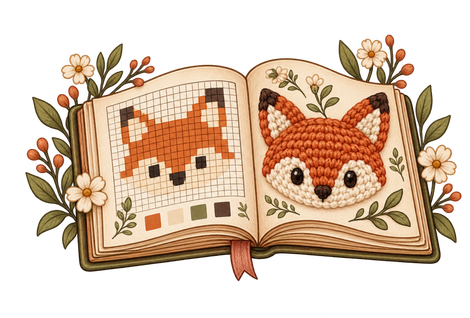

The most frustrating part of a detailed tapestry crochet pattern isn't always making the stitches. Sometimes it's looking up at the graph, looking back down at your work, and thinking: Which square was I on?
For Pumpkin Tapestry 1, I wanted something easier to follow than a tiny grid alone. The interactive version lets you flip through the real progress photos or jump directly to a row with each color block counted out for you.
Start at the bottom of the graph
This design is a 36-column, 80-row pixel chart. Each square represents one stitch position in the crochet version. Because the tapestry is worked back and forth, you read one row in one direction, turn your work, and read the next row in the other direction.
Keep the chart's right-side and wrong-side orientation in mind: when working from the bottom with Row 1 right to left, Row 2 reads left to right. The interactive color-count view already lists each row's blocks in working order.
Read runs of color, not individual little squares
Instead of counting one box at a time while you crochet, use the grouped numbers. Here's how the written count guide displays the third row:
For crochet, your turning chain counts as the first HDC stitch in this particular pattern. Follow the established turning-chain technique and keep the total at 36 stitches across.
Use the picture book and row guide together
- Open the interactive pattern and select Flipbook to see the progress photos.
- Switch to Stitch counts and choose the row you're working on.
- Work each numbered group in its matching color.
- Check that your completed row has 36 stitch positions, including the counted turning chain.
- Move to the next row, and return to the picture book whenever you want a visual reference.
A word about making color changes
You can cut and rejoin the yarn at a color change, or carry the inactive strand under the working HDC stitches. Both are legitimate approaches. I'll explain why I often choose carrying yarn in a two-color project in the next guide.
Try it with Pumpkin Tapestry 1
See the original progress photographs and jump to the exact color-run counts in the interactive flipbook. You can return to the row you were working on whenever you're ready.
Open the interactive pattern →